How to show the Bitcoin price on your Apple Watch face
Updated · By the CoinDials team
An Apple Watch can keep the Bitcoin price on its face, a glance away, all day. Apple's own Stocks app can often do it for free, and crypto apps offer three more ways, each trading looks, freshness and battery a little differently. This guide explains all four, what watchOS allows, and what to do when a price looks stuck.
It works with any crypto app that offers complications. We make one of them, CoinDials, and we say so where it comes up. CoinDials is coming to the App Store.
- The short answer
- What a watch face can show, and how often
- Free and built in: Apple's Stocks app
- Add a Bitcoin complication to your face
- Install a face with the price built in
- Follow every minute: a live ticker
- How fresh is the price on a face?
- Troubleshooting
- Questions
The short answer
| Way | Best for | Verdict |
|---|---|---|
| Apple's Stocks app, with the symbol BTC-USD | Trying it free, with nothing to install | Plain text, and only the coins Stocks lists where you live. Apple doesn't document crypto in Stocks. |
| A complication on the face you already wear | Keeping a face you love | The smallest change. The price refreshes when watchOS allows, typically a few times an hour. |
| A face with the price built in | Making the price part of the design | The best-looking result, added in seconds. The same refresh rules apply. |
| A live ticker in the Smart Stack | Following a fast market | The freshest price, for a few hours at a time, at a small battery cost. |
What a watch face can show, and how often
The small pieces of information around the time, such as the date, the weather or your activity rings, are called complications. Any app installed on your Apple Watch can offer its own, so a crypto app can put a coin's price in one of those spots.
Slots come in a few shapes: a small circle, a corner, a single line of text across the top, and a larger rectangle. Each face decides which shapes its slots accept, and each app decides which shapes it offers. A single line fits a coin and its price, like "BTC $76,480"; a rectangle has room for the day's move or a small chart.
Complications are built with Apple's WidgetKit, and watchOS, not the app, decides when they update, to protect your battery. Apple's documentation says that for a widget you view often, a daily budget "typically includes from 40 to 70 refreshes", which "roughly translates to widget reloads every 15 to 60 minutes". Apps can also send updates through Apple's push service, and recent versions of watchOS can bring those in sooner, but the system still has the final say.
So no app can make a watch face tick in real time, second by second. That isn't a flaw in any one app; it's how Apple Watch keeps a full day of battery. A good crypto complication tells you how old its price is, so you never mistake an old number for a live one.
Two more things affect what you see. When you lower your wrist, a watch with Always On dims the face and keeps showing the last price it received. In Low Power Mode, Apple turns Always On off and says complications update less frequently.
Free and built in: Apple's Stocks app
Apple's guide to Stocks on Apple Watch covers the stocks you follow on your iPhone and doesn't mention cryptocurrency. Even so, you can often find Bitcoin by searching the Stocks app on your iPhone for BTC-USD (ETH-USD for Ethereum, and so on) and adding it to your watchlist. Stocks on your Apple Watch shows that same list, and Apple's Stocks complications can put a symbol from it on your face.
It's free and needs nothing extra. The limits: the look is plain text, you get only the coins Stocks lists where you live, and like any complication it updates when watchOS decides. Apple doesn't document crypto in Stocks, so what it offers can vary by region and change over time. If BTC-USD doesn't come up when you search, a crypto app with complications is the way to go.
Add a Bitcoin complication to the face you already wear
First, the crypto app has to be installed on your Apple Watch, not just on your iPhone, or it won't appear in the list. Apple Watch normally installs the watch versions of your iPhone apps by itself. If it hasn't, open the Apple Watch app on your iPhone, tap My Watch, find Available Apps (under Apps on recent versions) and tap Install next to the app.
Then follow Apple's steps on the watch:
- With the watch face showing, touch and hold the display, then tap Edit.
- Swipe left all the way to the end. If the face offers complications, they're on the last screen.
- Tap a complication to select it, then turn the Digital Crown to choose the crypto app and the coin you want.
- Press the Digital Crown to save your changes, then tap the face to switch to it.
You can also set up a face from your iPhone: in the Apple Watch app's Face Gallery, choose a face, tap a complication position such as Top Left or Bottom, choose from the list, then add the face.
If the app doesn't appear in a slot, that slot's shape is one the app doesn't offer. Try another slot, or a face with more of them. In CoinDials, each coin is listed by name, such as BTC · Bitcoin, so you can put Bitcoin on a face you already wear and Ethereum next to it.
Install a face with the price built in
A ready-made face goes further: the price is part of the design, placed and sized to sit with the artwork. This is what we make. Every CoinDials face is a genuine Apple Watch face, built on Apple's own Photos face, with our price complications already in place. When CoinDials is on the App Store, adding one takes four steps:
- Install CoinDials on your iPhone. The watch app comes with it; if it doesn't appear on your watch, install it as described above before you add a face, or the price spots stay empty.
- Open a face in the iPhone app and tap Add to Watch. The Apple Watch app opens; confirm with Add to My Faces.
- Tap a spot on the dial and pick one of the eight coins offered there: BTC, ETH, GOLD, SOL, XRP, BNB, DOGE or ADA. Our coin faces bring fifteen more.
- If your watch still shows the old face, touch and hold it and swipe to the new one.
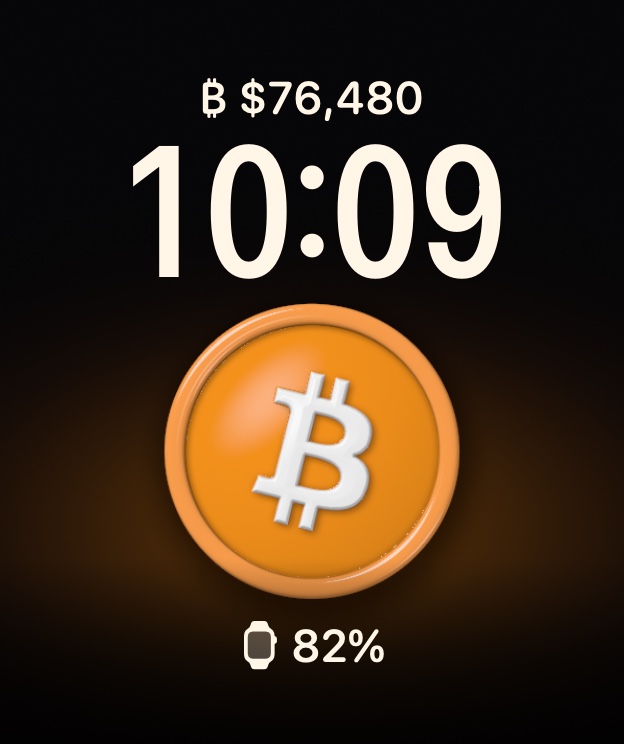
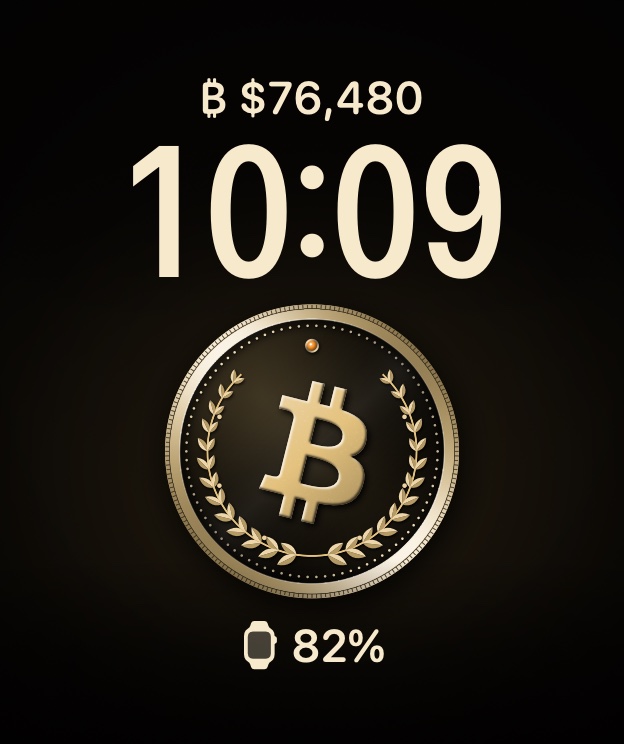
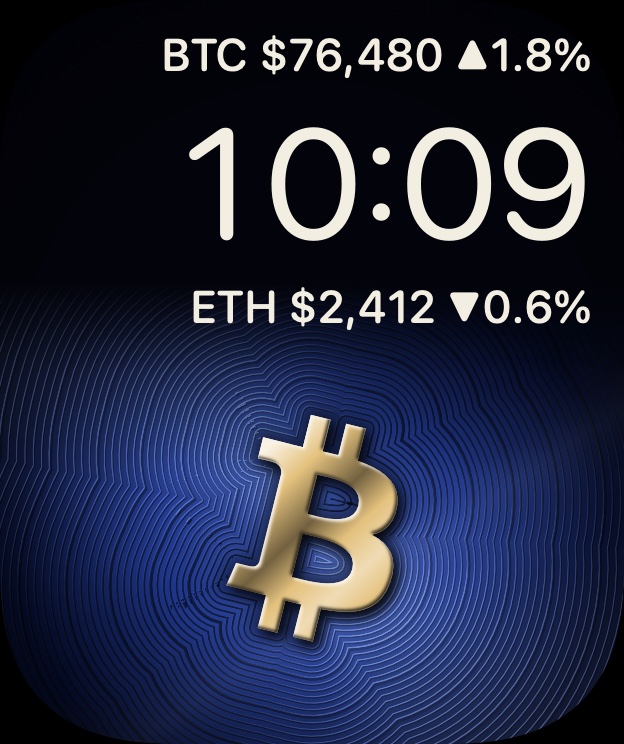
Two faces are free for good, with battery, weather, calendar, steps and heart rate. Live coin prices come with CoinDials Pro, for US$4.99 a month or US$29.99 a year, with a 7-day free trial for new yearly subscribers. The collection shows twenty of our faces.
Follow every minute: a live ticker
When the market is moving and you want more than a few updates an hour, use a Live Activity. An app starts it on your iPhone; it shows on your Lock Screen and in the Smart Stack on your Apple Watch, and its server can update it far more often than a face. Live Activities run for up to 8 hours at a time.
In CoinDials this is the Live Ticker, part of Pro: start it at the top of the Faces screen in the iPhone app, and it updates about every minute. To choose how Live Activities appear on your watch, open the Settings app on your Apple Watch, tap Smart Stack, then Live Activities. While a ticker runs, your watch updates more often, which uses a little more battery.
For an hour of close watching without a ticker, there's a simple Apple setting: on your Apple Watch, open Settings › General › Return to Clock, tap the crypto app, tap Custom and choose After 1 hour. For the next hour, each time you raise your wrist you'll see the app instead of the face. Press the Digital Crown to go back to your face.
How fresh is the price on a face?
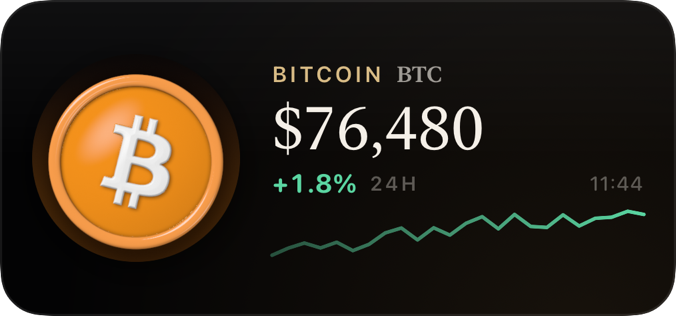
On a CoinDials face, prices refresh about every 20 minutes, and sooner on watchOS 26 when the market moves; watchOS decides the exact moment. Once a price is a few minutes old, the face says so: you'll see its age, such as "13m ago", or ≈ on a one-line spot. Tap a price on your face and CoinDials opens on your watch with a live price in about a second.
Prices come from CoinGecko, which averages prices across major exchanges, so they can differ slightly from your own exchange. They're for information only, not financial advice.
Troubleshooting
The app isn't in the complication list
Its watch app isn't installed on your Apple Watch, or the slot you picked has a shape the app doesn't offer. Install the watch app as shown above, then try a different slot.
The price shows dashes, or looks old
Check that your watch is connected, through your iPhone or Wi-Fi, and that Low Power Mode is off, since Apple updates complications less often in Low Power Mode. Tapping the complication opens its app, which can fetch a fresh price. If spots on a CoinDials face stay empty, the watch app wasn't installed when you added the face: install it, then add the face again from your iPhone.
CoinDials says "Needs Pro" or "Renew Pro"
Live prices are part of CoinDials Pro. "Needs Pro" means this watch hasn't had Pro yet; "Renew Pro" means a subscription has ended, and live data resumes when you renew. If you've already subscribed, open CoinDials on your iPhone, go to Settings › Restore purchases, and use the same Apple Account you bought Pro with.
Questions
Does a price complication drain the battery?
For CoinDials, very little: its price spots refresh a few times an hour, for under a second each. CoinDials faces are built on Apple's Photos face, and in our tests a CoinDials face used about the same battery as a Photos face with a personal picture. Photo faces, with any picture, can use somewhat more than Apple's simplest built-in faces, and a live ticker uses a little more while it runs.
Which Apple Watch do I need?
For CoinDials: an iPhone with iOS 18 or later and an Apple Watch with watchOS 10 or later, which means Series 4 and newer, SE and Ultra. Other apps set their own requirements.
Can I show other coins too?
Yes. CoinDials covers twenty-three coins: Bitcoin, Ethereum, PAX Gold, Solana, XRP, BNB, Dogecoin and Cardano, plus fifteen more, from Chainlink to Toncoin. Each coin has its own complication, named by its ticker, so you can mix them on one face.